Apple watchOS 27 is available now: Full device compatibility and the 10 biggest upgrades


Siri AI, Audio Intelligence, and Readiness headline watchOS 27—discover what's new in our complete guide
Apple's watchOS 27 is now officially available to download for Apple Watch users worldwide.
While Apple's initial preview focused heavily on Siri AI, the full scope of the update was unveiled alongside the Apple Watch Series 12 and Ultra 4—revealing a major overhaul spanning recovery tracking, ambient privacy, and workout precision.
This guide is your hub for everything you need to know about watchOS 27, including how to install it, compatibility requirements, and the top 10 new features available on your wrist today.
When will watchOS 27 be released?
The watchOS 27 update officially began rolling out globally on September 14, 2026, coordinated with the arrival of Apple's latest smartwatch hardware lineup.
Interestingly, although the Digital Markets Act (DMA) delayed Apple's rollout of revamped Siri AI on iOS and iPadOS in the EU earlier this year, watchOS was unaffected and launched globally on schedule.
Device compatibility—and Siri AI features and Audio Intelligence
Apple has confirmed the baseline requirements for its latest update: watchOS 27 is available as a free software update for Apple Watch Series 9 or later, Apple Watch Ultra 2 or later, and the current-gen Apple Watch SE 3.
However, running these new features requires different levels of processing power. To access Siri AI and Audio Intelligence on the wrist, these models (or later) also need to be paired with an Apple Intelligence-enabled iPhone running iOS 27 (limited to iPhone 16 models, iPhone 15 Pro, or iPhone 15 Pro Max).
The Audio Intelligence features (outlined below) are different. For these, Apple notes that you need either the Series 12 or Ultra 4—with their all-new S11 chip—paired with an iPhone 11 or later, or iPhone SE (2nd generation or later) running iOS 27.
How to download watchOS 27 to your Apple Watch
Now that the final build is live, you can update your Apple Watch directly by opening the Watch app on your paired iPhone, going to General > Software Update, and following the on-screen prompts (make sure your Apple Watch is on its charger and has at least 50% battery).
Note that while watchOS 27 is fully available today, certain flagship tools—specifically Siri AI and Audio Intelligence features like Live Rewind and Siri Recap—will roll out in beta later this year, starting with English support before expanding to French, Japanese, Korean, Portuguese, and Spanish.
The 10 biggest new features in watchOS 27
Apple's full release documentation and hardware updates reveal a robust list of core upgrades, recovery engines, physical control changes, and performance tweaks now live in watchOS 27. Here are the biggest new changes you can expect if you download the latest software.
1. Siri AI on the wrist & Dynamic App Grid
The Apple Watch now supports a custom-tailored version of Siri AI optimized for smaller screens, letting users ask complex contextual questions and trigger actions directly from their wrist.
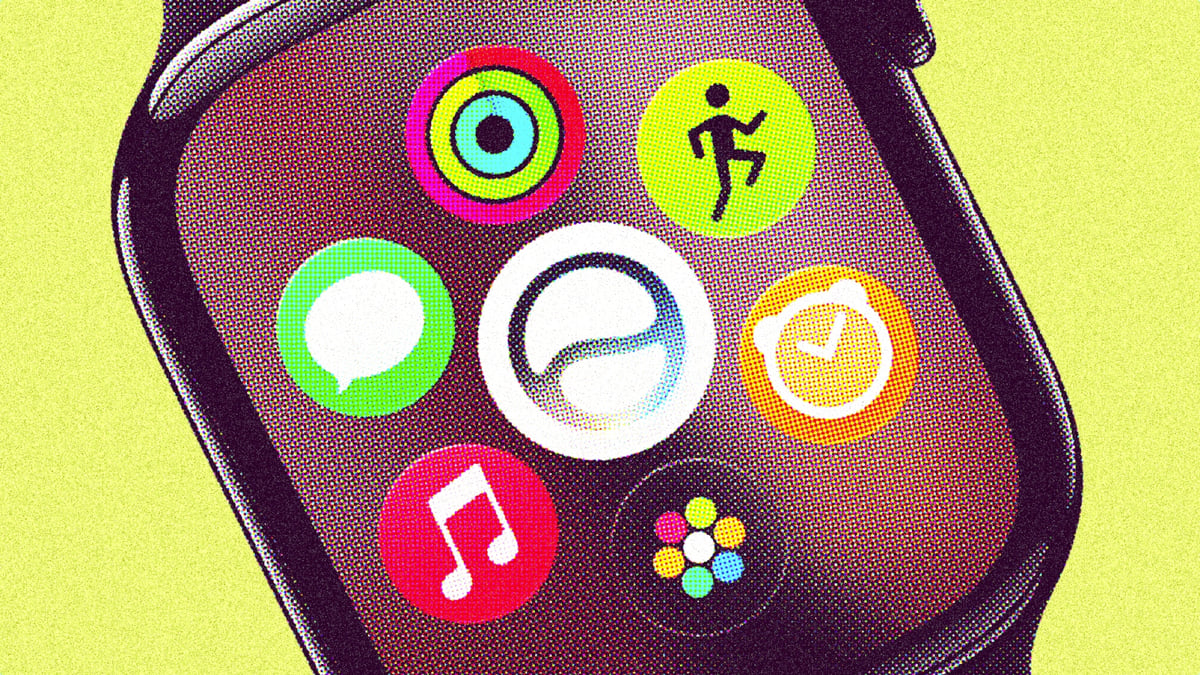
Conversations also sync across iOS and macOS via iCloud. A new dedicated Siri app brings all your AI conversations to one central place, and pressing the Digital Crown reveals a dynamic app grid with five Siri-suggested apps alongside the main Siri icon.
2. Audio Intelligence: Live Rewind, Siri Recap & Sound Recognition
Powered by Apple Intelligence and the S11 chip (i.e only available in the Series 12 or Ultra 4), watchOS 27 introduces ambient listening features.
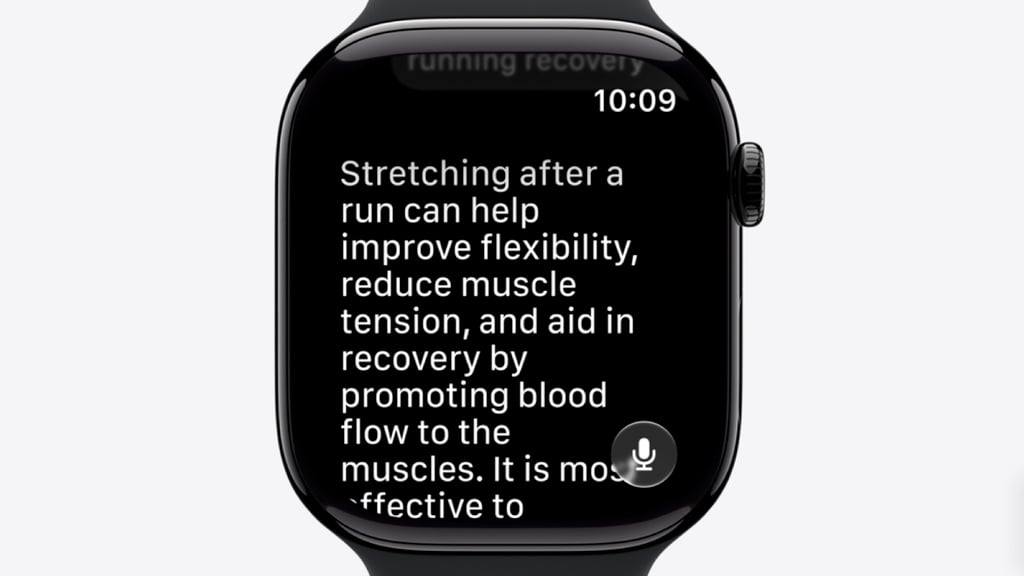
Double-pressing the Digital Crown activates Live Rewind, displaying the previous 15 seconds of spoken audio as a text snippet. Siri Recap automatically generates key points from recent conversations inside the Siri app.
Meanwhile, Sound Recognition triggers tactile wrist alerts for emergency sirens, doorbells, or crying babies without needing an iPhone nearby.
As mentioned above, Siri Recap and Live Rewind arrive in beta first and only support English, though more language support has been teased.
3. Native 0-10 Readiness insights
Apple's new native recovery engine cross-references overnight vitals, sleep scores, skin temperature, and recent training load to deliver a daily Readiness score from 0 to 10.
The score comes with clear, actionable guidance—Recover, Pace Yourself, Ready, or Go For It—to help users judge their physical capacity for the day ahead.
4. High-frequency HRV & Daytime Vitals
Supported watches now sample Heart Rate Variability up to 24 times more frequently, splitting data into 'Recovery HRV' (for daily stress tracking) and 'Overall HRV' (for long-term cardiovascular health).
A new Daytime Vitals dashboard allows wearers to track biometric shifts in real time before overnight trends show up.
5. A new Smart Stack gesture arrives
Users can now use a new single-handed tap gesture to open and select widgets in Smart Stack.
It works much like the Double Tap that arrived in 2023, where users press their index finger and thumb together twice on their watch-wearing hand to perform an action. Simply, you can now do this without the second tap.
6. Overhauled treadmill & pedometer accuracy
Powered by new machine learning algorithms, Apple notes that watchOS 27 overhauls the pedometer model to deliver much more accurate step counts and distance/pace calculations during indoor treadmill runs and walks. Users can also track live step counts via a new Steps watch face complication.
7. Workout Buddy goes phone-free
The feature, which debuted last year, now fully supports Spanish. Even better, you can now use it completely offline when you don't have your iPhone nearby, pulling in a deeper pool of fitness data to deliver motivational insights.
8. Menopause and perimenopause alerts
The native Health app has expanded its women’s health suite, adding the ability to detect and alert users to early signs of perimenopause and menopause through cycle-tracking deviations.
To support this, Apple Fitness+ has launched 'Strong Through Menopause', a three-week workout program focused on strength, balance, and yoga.
9. A streamlined Find My app & Custom Wallet passes
The watchOS 27 update debuts a consolidated Find My app, which finally merges Find Devices, Find Items, and Find People into a single interface.
Additionally, users can now use iOS 27 to convert any card or membership with a barcode or QR code (like a library card) into a customized pass and pin it directly to the Smart Stack.
10. Hardware-Isolated Privacy via Secure Exclave
To address privacy concerns around ambient listening, Audio Intelligence features process raw audio entirely in isolation within the S11 chip's dedicated 'Secure Exclave' hardware compartment.
Raw audio is deleted immediately without storing files, while Live Rewind triggers a mandatory audible chime and screen animation so nearby people know the feature is active.