
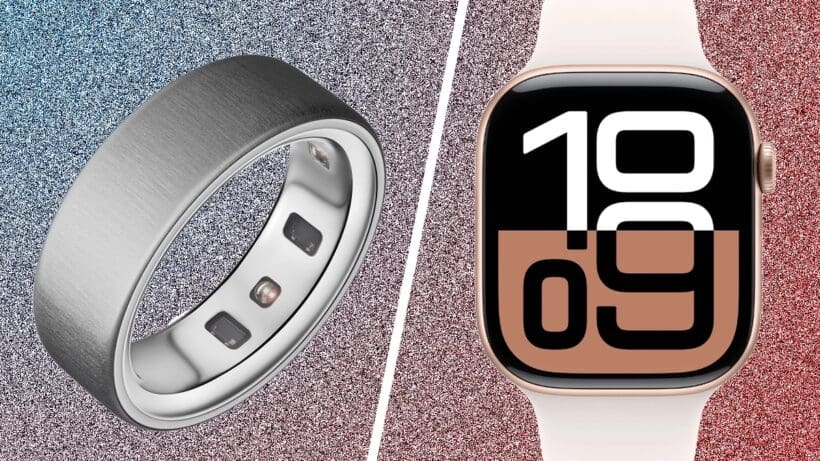
Apple Watch and Oura Ring are both wearable powerhouses, but do things in a totally different way.
Oura Ring is gaining serious traction—the company has now sold 2.5 million units as the smart ring market booms.
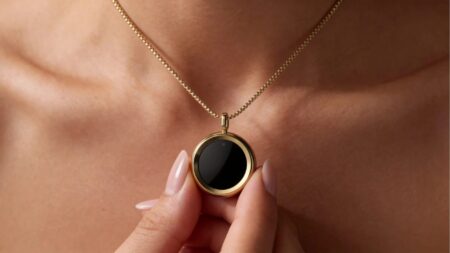
Smart rings have captured the imagination by offering a more discreet way of tracking sleep and activity from the finger. They’re a mile away from smartwatches, with their screens and digital distractions.
But Apple Watch is universally popular, with some of the best health tracking available—and it’s a workout-tracking powerhouse, too.
Many people face this decision, and many choose both. 40% of Oura Ring users also have an Apple Watch but if you’re choosing between two, here’s what you need to know.
Oura Ring Gen 3 review | Oura Ring 4 review | Apple Watch Series 10 review | Apple Watch 11 review
How we tested
James has worn both Apple Watch (Series 1–10) and Oura Ring 4 (and Gen 3) extensively—with years of experience in these ecosystems. He’s slept, walked, ran, swam, and lived with them, and compared hundreds of nights of data.
Price compared
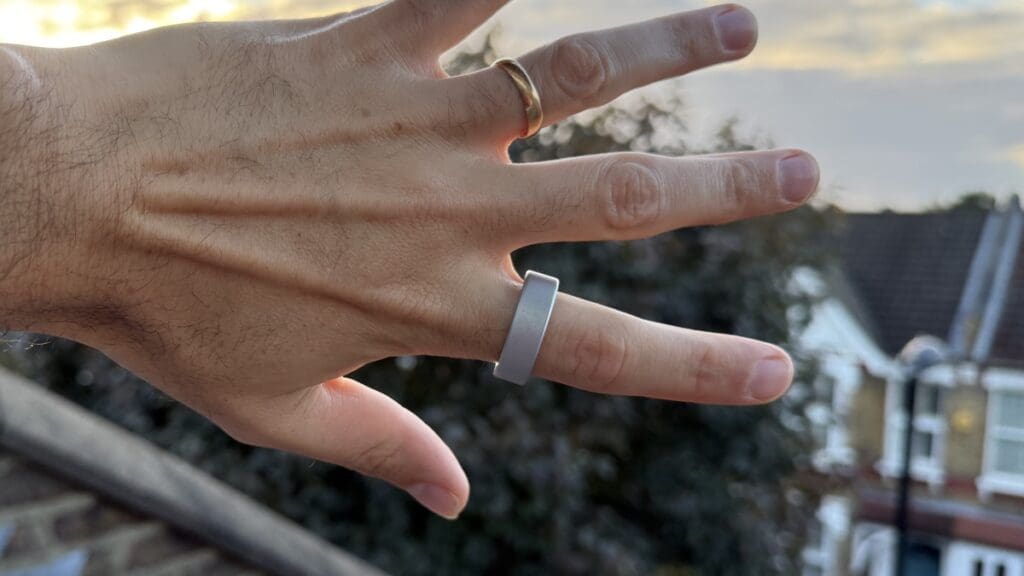
Oura Ring Gen 3 costs around $299 to $349, depending on the model and finish. However, that has now been replaced by Oura Ring 4, which starts at $349, rising to nearly $500 depending on the finish.
To use Oura, you also need the $5.99 monthly subscription to the app.
Apple Watch, on the other hand, has a broader price range. The latest Apple Watch model, Series 11, starts at $399.It will go higher depending on case material, size, or features such as LTE. Apple Watch SE is more affordable at around $249.
Read next: Best smartwatches from our reviews
Design and features
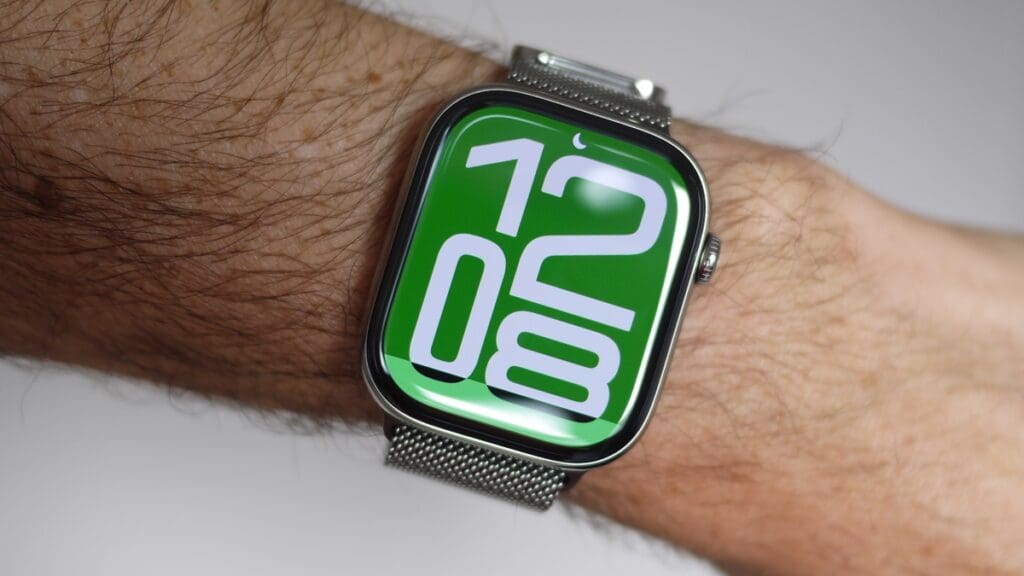
Even at first glance, the design differences are obvious. One is a discreet-ish ring, and the other is a smartwatch.
Oura Ring 4 is no longer the thinnest or lightest ring on the market by any means (Galaxy Ring and RingConn 2 are both significantly smaller) —and Apple Watch Series 10 has also grown in size as well.
Oura Ring can’t offer live feedback on fitness or metrics, so all of that needs to be done via the smartphone app.
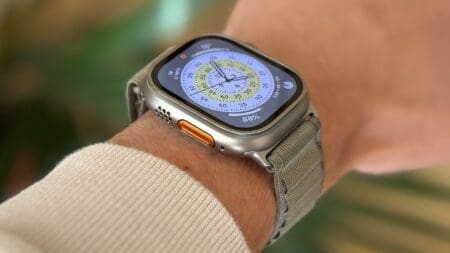
Apple Watch offers feedback via the large OLED display—and naturally—can show the time as well. It also offers things like Apple Pay, access to Apple Watch apps and glanceable, bite-size information from its Smart Stack Widgets.
Winner: Totally depends on what’s important to you: distraction-free tracking or smartwatch features that go beyond tracking.
Wellness insights
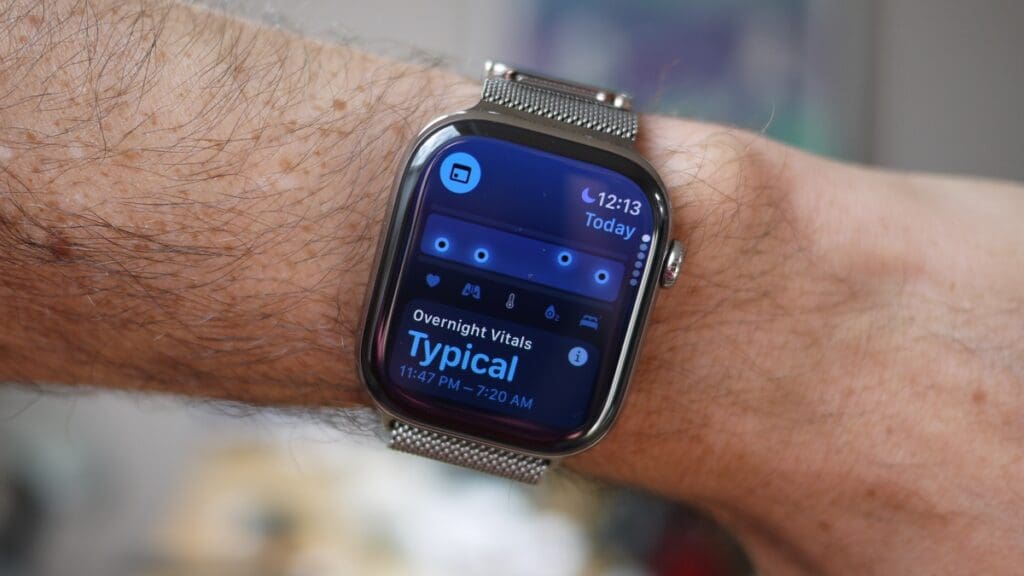
Both Oura Ring and Apple Watch are health tracking devices—but in very different ways.
From our experience using both, Oura Ring provides more actionable insights, while Apple Watch tracks more passively, without translating the data to guidance on how to support your wellness.
Apple Watch, meanwhile, focuses more on broad activity and fitness tracking. It collects a huge amount of data but presents the information without any personalized guidance on how to improve your wellness. While it does offer additional features that Oura lacks, including ECG monitoring, when it comes to collected data, you will need to figure out what it means yourself.
Winner: Oura
Sleep tracking
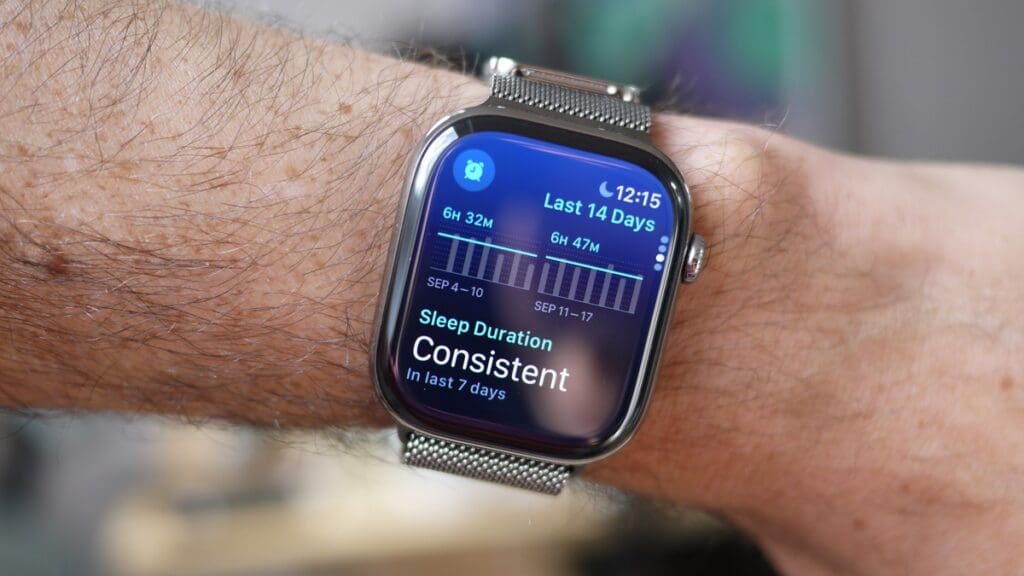
Oura Ring focuses heavily on sleep tracking and recovery metrics—and bases pretty much all of its insights around this data. This contrasts with Apple Watch, which tracks sleep but doesn’t offer as much analysis around it.
Both records sleep duration and breaks down your sleep into stages: deep, light, REM, and awake. Apple Watch offers a sleep score based on duration, consistency, and interruptions, but Oura goes beyond that. It gives you insights into your circadian rhythm, how your sleep and wake times correlate, and what chronotype you are, which can be insightful for planning productive time.
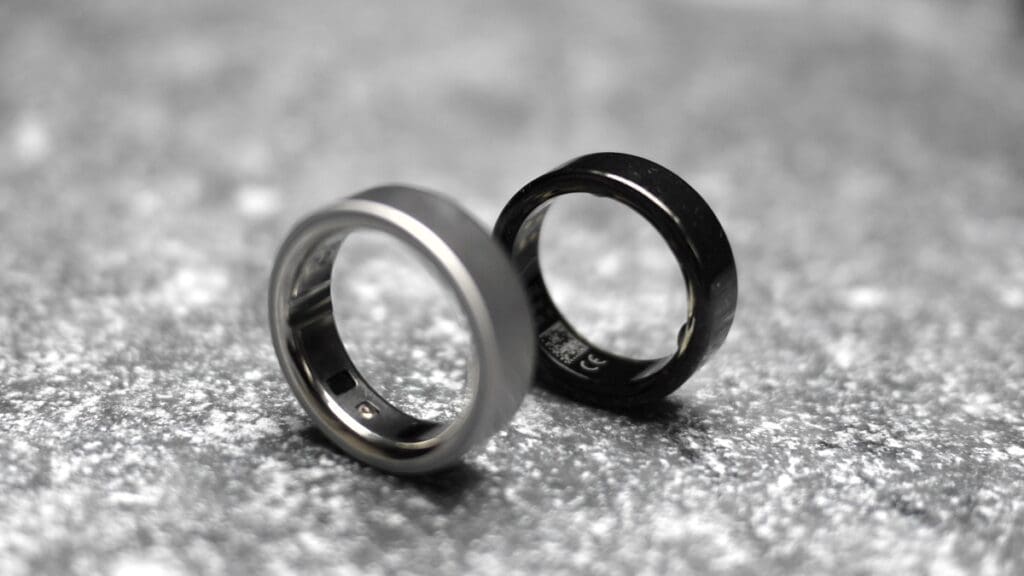
Moreover, Oura tracks HRV during sleep, which is commonly associated with autonomic nervous system activity and may indicate recovery and stress levels. Higher HRV generally suggests better recovery and lower stress, and it feeds this into a recovery and stress resilience rating. These are two features Apple Watch overlooks.
Winner: Oura
Reproductive health tracking
Apple Watch uses body temperature and reported symptoms to track periods, provide retrospective ovulation estimates, and alert you when your next fertile window is approaching. It may also flag cycle deviations that might warrant a doctor visit.
Oura takes a similar approach, with period tracking, cycle predictions, and a fertile window feature that estimates your most fertile days ahead of time based on your past cycles and physiological data.
Additionally, both Apple Watch and Oura integrate well with cycle-tracking apps like Natural Cycles, Clue, and Flo.
Winner: Tie
Health and safety features
While Oura Ring offers deeper wellness insights, Apple Watch has more health monitoring and safety features.
Higher-end Apple Watch models, including the Series and Ultra lineups, come with an electrocardiogram (ECG) app that may detect irregular heart rhythms. Additionally, Apple has introduced sleep apnea notifications on newer models, including the SE 3, which prompt users to consult their healthcare providers if breathing disturbances are detected during sleep. These features are not designed to diagnose, but to identify potential warning signs that may warrant further medical evaluation.
Oura features a breathing disturbances metric but stops short of warning about sleep apnea.
Apple Watch also adds fall detection, car crash detection, and hearing protection features. None of that is available on Oura Ring.
Winner: Apple Watch
Fitness Features
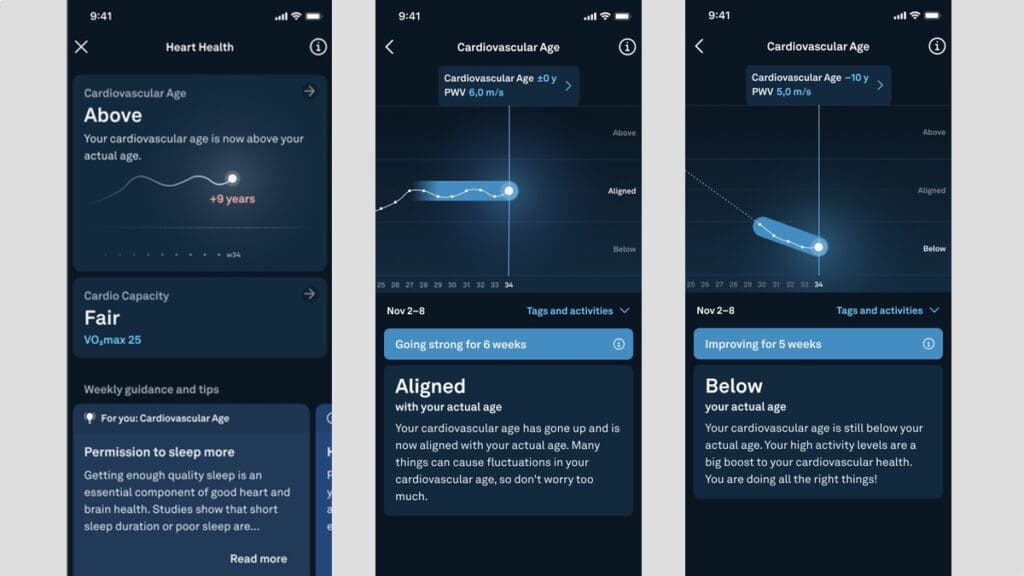
Oura has made huge strides this year to be a better tracker for active people, but it still lags way behind the Apple Watch.
Oura Ring takes a more passive approach to fitness tracking, focusing on general activity and recovery rather than specific workout performance.
Oura Ring will automatically detect and log exercise, and this number has risen to 40 activities in the latest update.
You can also manually track the heart rate of sessions in the app.
Oura has added VO2 Max and cardiovascular age features too (see above). And it does a pretty good job of analyzing your activity and making it actionable.
More simply, Oura will also track daily activity against a specific calorie goal.
We have tested Oura Gen 3 and Ring 4 and found exercise tracking to be a mixed bag. Oura’s focus is to look at all “exercise” holistically, so if you like delving into specific workout performance, this isn’t for you. The data on specific tracked sessions is light on detail and isn’t logged in a coherent way but as a massive timeline of activities, including walks to the shop or around the house.
Automatic detection is also pretty patchy, and adding workouts retrospectively is clunky.
In short, it serves the purpose of assessing overall movement, but this isn’t a workout device.
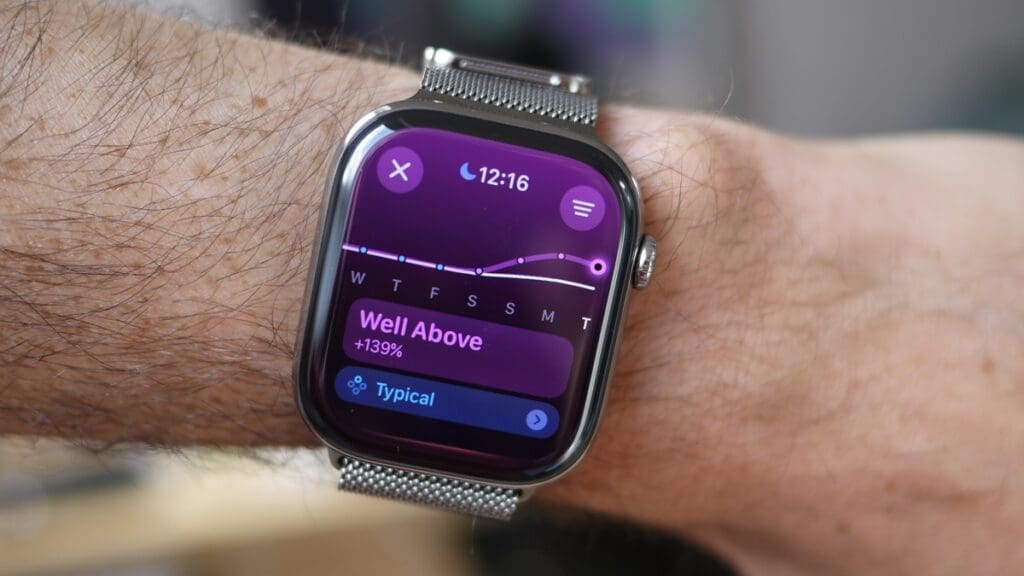
Apple Watch, on the other hand, is a powerhouse for workout tracking. There are heaps of great workout profiles, and you can even structure sessions, race your own PBs, get in-depth views of your training load (above), and peruse VO2 Max data.
The Apple ecosystem also has Fitness+ for guided home workouts.
Oura Ring uses your smartphone’s GPS to get route data, which was solid in our testing. But you do need to take your phone with you. The Apple Watch has GPS as standard, and Ultra 2 and Ultra 3 has multi-band for some of the best accuracy out there.
Apple activity rings are a good way of getting calorie burn and stand hours, and of course, you can check those at a glance on the display, which you can’t do with Oura Ring.
The heart rate is also much more accurate than Oura’s during exercise. Oura Ring 4 does improve active heart rate tracking during exercise, but in our testing, Apple Watch was still way ahead.
Both devices have 5ATM water resistance and are good for a dip in the pool. But while Oura will track HR in the pool and the time of the session, only the Apple Watch can detect strokes, lengths, and all that good stuff.
In essence, when it comes to working out, there’s only one winner.
Winner: Apple Watch
Battery life
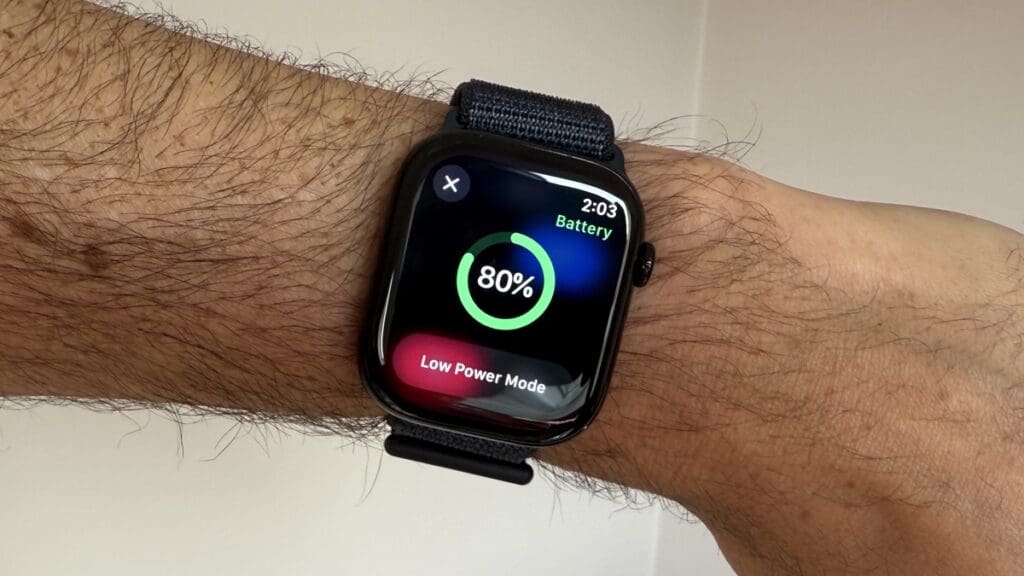
Here’s a big win: despite being a tiny smart ring, Oura Ring 4 beats the Apple Watch SE or Series with 8 days of battery life. It’s usually good for that, or 6–7 days solidly.
That is totally at odds with Apple Watch Series 9, which will last around 26 hours on average in our testing—admittedly better than the 18 hours Apple touts. The latest model, Series 11, should last around 24 hours of normal use.
Now, if battery life is your main concern and you do want an Apple Watch, you can go for an Ultra model, which reliably gets 2–3 days in our testing. While it doesn’t come close to what Oura Ring offers, it is still great if you are into longer hikes far in nature.
Winner: Oura
Verdict
These two devices solve the same problem in very different ways, so the right choice depends on what kind of tracking you actually care about.
Choose Oura Ring 4 if you want the best sleep and recovery tracking, and actionable insights into your circadian rhythm. It’s also the more discreet option, with less intrusive experience overall.
Choose Apple Watch if workout tracking is the main reason you’re looking for a fitness tracker. It’s also a full smartwatch, so consider it if you want notifications, apps, payments, and smart features on your wrist.
If we had to pick one, the choice comes down to your priorities: Oura for sleep and wellness, Apple Watch for workouts and smart features. They’re genuinely complementary, which is why 40% of Oura users also wear an Apple Watch. But if you’re choosing just one, start with whichever gap matters more in your daily routine.