How to sync Huawei and Strava workouts

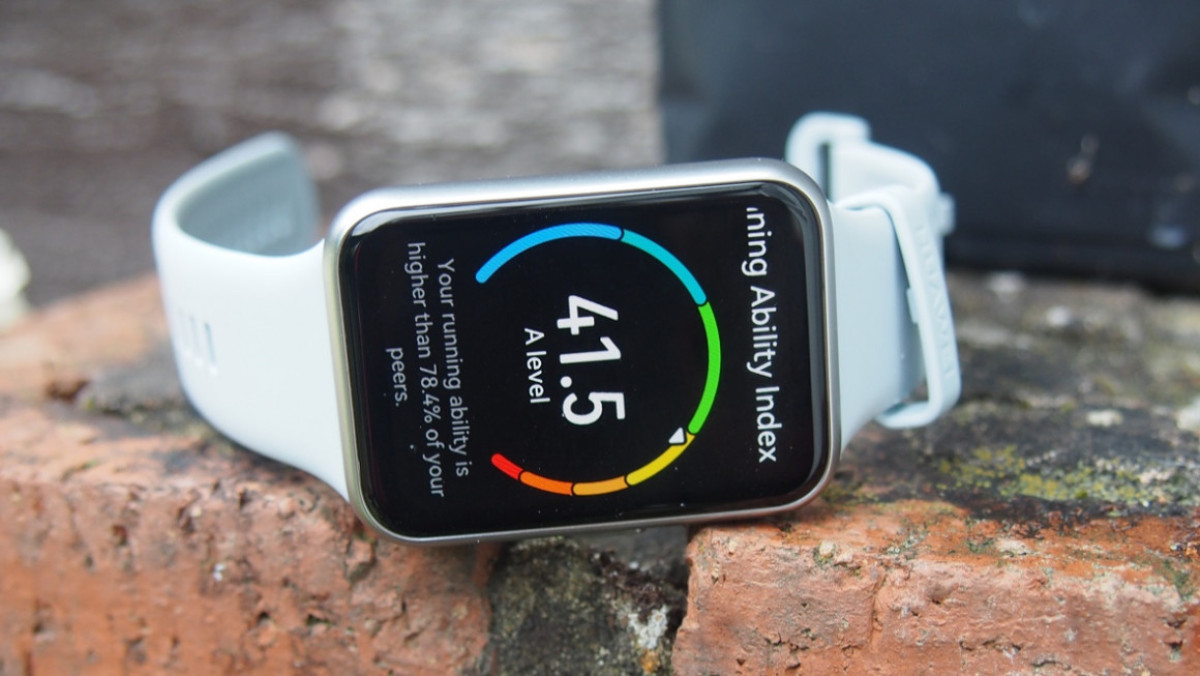
Get your Huawei smartwatch workouts in Strava with these steps
One of our major complaints about Huawei smartwatches has been the lack of third-party integrations.
Well, the company listened, and back in September 2022, it added Strava as an integration. There were previously some workarounds, but it can now be done simply, with no need for extra apps.
Why does it matter so much? As runners, we've found that Huawei smartwatches are pretty decent running watches and fitness wearables – but we have no interest in using Huawei Health as a fitness platform.
Most runners will likely have a preferred platform for their data – so it’s difficult to recommend closed ecosystems, with no ability to sync data elsewhere.
If you’re a Huawei user looking to hook up Strava, read on for everything you need to know.
How to connect Huawei and Strava
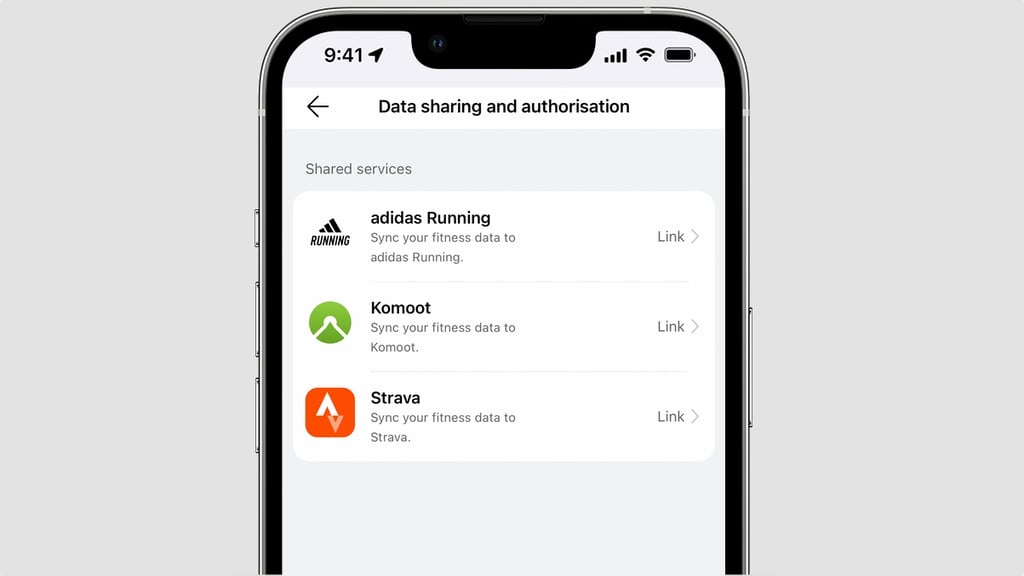
1. Open the Huawei Health app on iOS or Android
2. Head to the Me tab
3. Go to Data Sharing and authorization
4. Tap Strava
5. Log in to your Strava account
Once you go through the above steps, your accounts will be linked. That means any workout tracked on your Huawei smartwatch will be synced over to Strava. But this won’t be retrospective.
Which Huawei devices work with Strava?
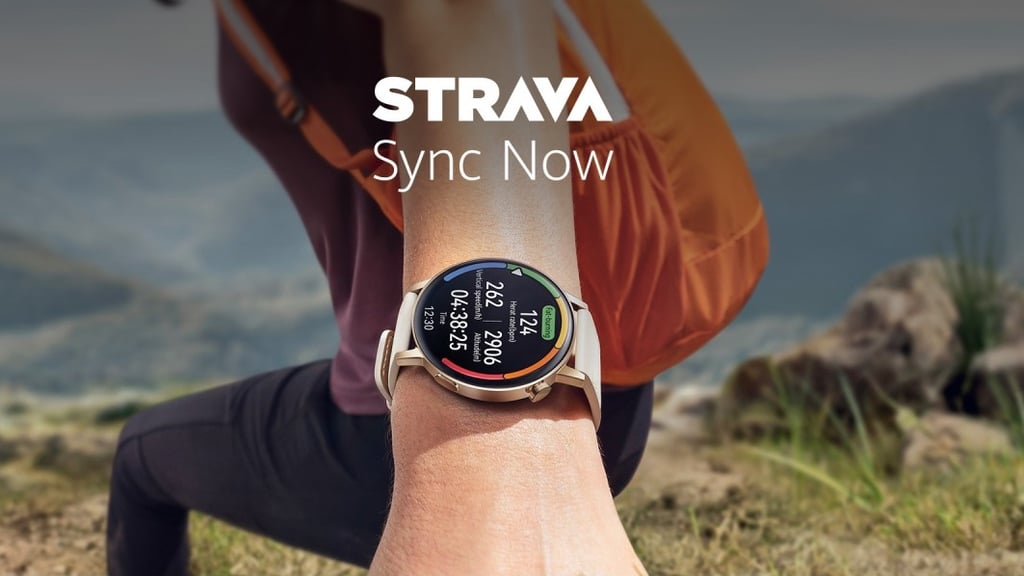
As the integration is between the Huawei Health app and Strava platform, it doesn’t matter which smartwatch you use.
Any Huawei smartwatch, from older devices to brand new Huawei Watch Fit 2 and GT 3 Pro will work.
Just work out as normal, and when you sync your device with Huawei Health, you’re good to go.