Why You Can Trust Wareable
Founded in 2014, Wareable brings together journalists and experts who have reviewed over 1,000 products, including smartwatches, fitness trackers, smart rings, smart home gadgets, and health tech devices.
Our team combines hands-on testing, in-depth research, and expert insights to evaluate product performance, assess manufacturer claims, and help readers make informed decisions.
VITURE discount code: Grab 10% off

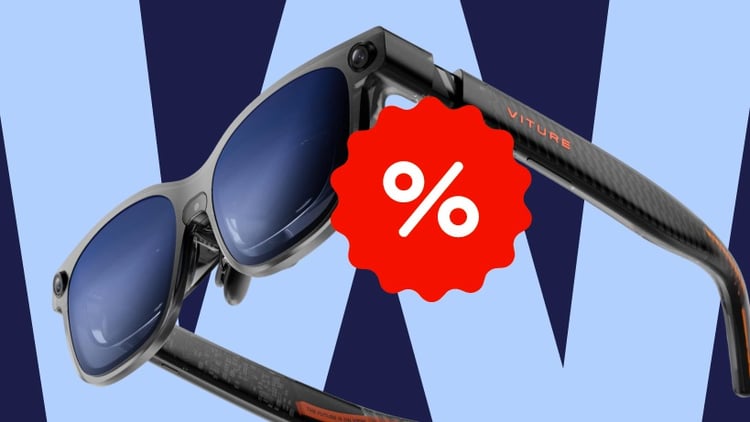
Want a quick and easy way to save on your VITURE smart glasses purchase?
At Wareable, we regularly search and update the latest available VITURE discount codes and offers. Take a look at the deals we’ve gathered below and choose the code that works best for your purchase.

Save 10% on eligible VITURE smart glasses and bundles using coupon code WRBVITUREL.
Save 10% on eligible VITURE smart glasses and bundles with coupon code WAREABLE10.
Save up to $69 on Dock Pack bundles, with no code required. Each bundle includes your chosen smart glasses, a Pro Mobile Dock, and your choice of a free controller.
What you need to know about VITURE
Founded in Beijing in 2021, VITURE has built its name around XR and AR smart glasses globally. Its ambition goes way beyond a virtual screen—the brand is working to make extended reality more useful in both everyday life and entertainment.
Its approach combines Micro-OLED display technology, wearable hardware, and its SpaceWalker software into one ecosystem for immersive gaming and higher productivity.
That technology comes at a higher price, though. VITURE sits in the premium end of the smart glasses market, and getting the most out of certain features may mean investing in additional docks or accessories.
If you’ve been eyeing one of its models for some time now, VITURE discount code may make that initial investment a little easier to justify. That’s why we gathered the latest offers in one place.
Available VITURE models
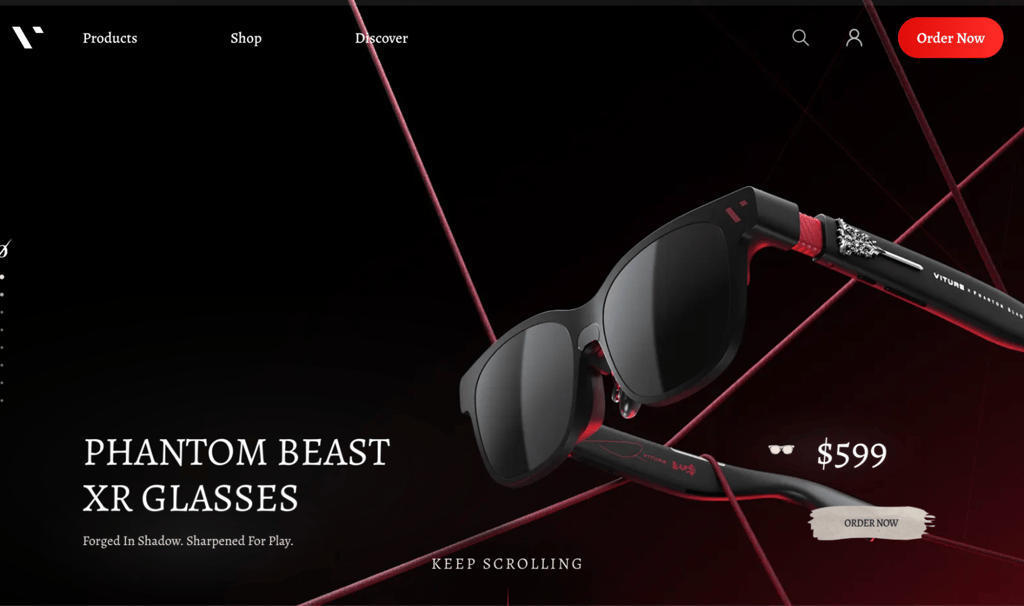
VITURE’s range includes the Luma series, Beast XR, and special-edition collaborations like Phantom Beast XR. The latter is a distinctive release created with Phantom Blade Zero. It features a Kungfupunk-inspired design, an exclusive on-screen interface, and collector’s extras.
For a more immersive display experience, Beast XR is the flagship to watch for. It uses Sony Micro-OLED panels, offers up to 120Hz refresh rate, 58-degree field of view, and has built-in 2DoF tracking for a more stable virtual screen. We’d recommend it if you want a big-screen experience for gaming, movies, and streaming. Though, its multi-screen capabilities can come in handy when you’re working on larger projects, as well.
Luma Ultra is another standout option, but it takes a slightly different approach. It’s VITURE’s more advanced AR-focused model, adding 6DoF spatial tracking and hand gestures for interacting with virtual content. This makes it particularly appealing if you want to explore spatial computing, rather than simply mirror a screen.
Shipping, warranty, and returns policies
For US orders, VITURE offers free standard shipping over $100, with estimated delivery of five to seven business days.
Eligible products—not customized with prescription lens—can be returned within 30 days of delivery. Keep in mind that return shipping and handling fees may apply. VITURE also provides a 1-year limited warranty covering manufacturing defects.
You may also see Seel’s worry-free purchase protection at checkout. This third-party service covers issues like lost, stolen, or damaged deliveries.
How to redeem your VITURE discount code
Using your preferred VITURE coupon code is rather easy:
- Copy the 10% discount code you’d like to use—WRBVITUREL or WAREABLE10.
- Click ‘Redeem’ above to visit VITURE’s official website.
-
Choose your preferred model or bundle, select a size, and add any extra accessories you’d like.
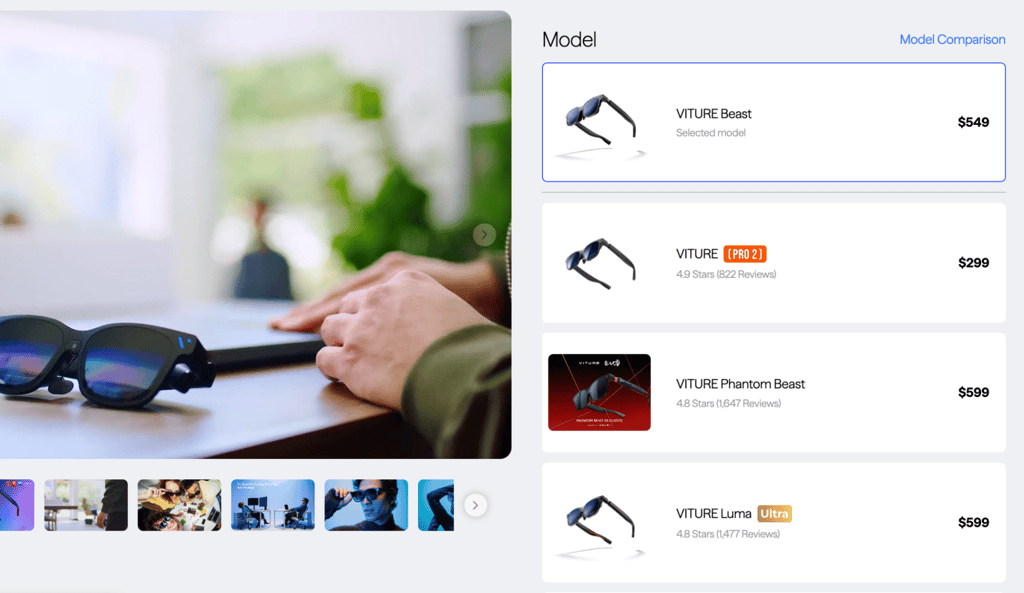
- Click ‘Add to Cart’ if you want to continue shopping, or ‘Buy Now’ to go to checkout.
-
Enter your coupon code in the ‘Discount code or gift card’ box and click ‘Apply’.
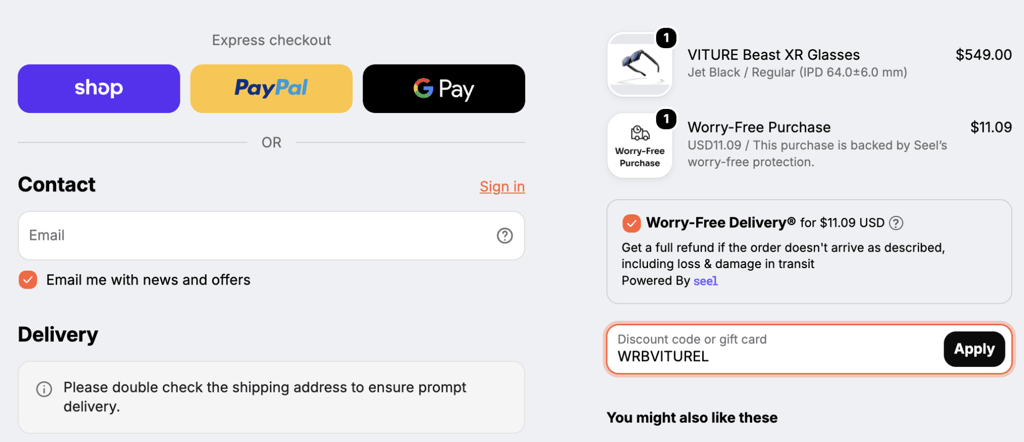
- Fill in the required information, then complete your purchase.
What to do if my VITURE coupon code isn’t working?
If you’re having trouble redeeming your discount code, don’t worry and firstly check a few common issues:
- Internet or browser problems. Try refreshing the page, clearing your cache and cookies, or opening VITURE’s website on another browser or a different device.
- Eligibility. Check whether the product or bundle in your cart qualifies for the discount code you’re using. Some offers may have exclusions.
- Shipping destination. VITURE ships to selected countries and regions, so check whether delivery is available to your location.
- Code validity. Coupon codes and promotional offers can change or expire. We regularly review the available deals, but it’s worth checking that the code is still active and that you’ve entered it correctly.
If you’ve tried these steps and your code still isn’t working, we recommend contacting VITURE’s customer support team for further help.
FAQ’s
At Wareable, our pick is VITURE Beast XR, particularly for gaming, entertainment, and overall immersive viewing. However, if you’re more interested in spatial computing and advanced AR features, the Luma series—especially Luma Ultra—is also worth considering. Remember, your ideal choice depends on how you plan to use your smart glasses.
SpaceWalker is the essential companion app we’d recommend starting with. Available for iOs, Android, Windows, and macOS, it unlocks features like multi-screen layouts, ultrawide viewing, and 3D. You can also try Xbox Remote Play or Steam Link for gaming, and YouTube or Netflix for videos.
No, VITURE smart glasses aren’t currently on sale. But, you can still save with discount codes or bundle offers. For example, you can get 10% off any eligible VITURE glasses with the code WRBVITUREL or WAREABLE10.
It can be, especially if you want a premium big-screen gaming and entertainment experience. At Wareable, we think VITURE Beast XR is one of the strongest options in the brand’s lineup. Its 1200p Sony Micro-OLED displays, 120Hz refresh rate, and built-in 3DoF tracking make it a compelling option for immersive viewing.
To use VITURE Beast XR, simply connect it to a compatible USB-C device that supports DisplayPort video output. This could be a laptop, smartphone, or compatible gaming console. Then put on the glasses, adjust the nose pads, and use the built-in controls to change screen size, brightness, and modes.
Yes, generally, wearing VITURE glasses in public is legal. However, be mindful of local rules on privacy, filming, and recording. As with any tech that includes cameras and microphones, respect other people’s privacy.