Updated: How Apple's smartwatch matches up to WHOOP
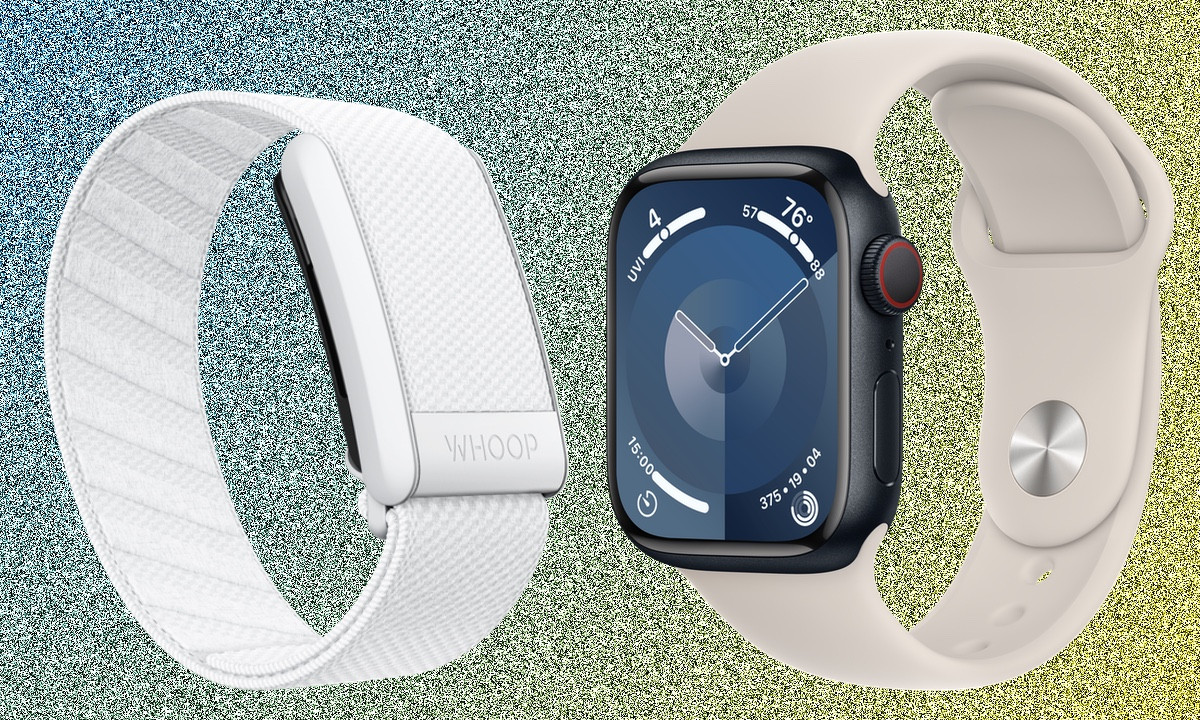
If you’re choosing between the Apple Watch and WHOOP, you have a tough job on your hands.
The Apple Watch is a powerhouse for health and fitness, tracking workouts and performance.
WHOOP, on the other hand, prioritizes recovery, readiness, and overall health monitoring for those focused on optimizing their well-being. And it’s really good at what it does.
We’ve thoroughly reviewed both the Apple Watch and WHOOP 5.0, and both impressed us.
Wondering which one suits you better? We’ll break down their strengths to help you decide between the Apple Watch and WHOOP.
Pricing compared
Both the Apple Watch Series 9 and WHOOP 5.0 will put a sizable dent in your bank balance.
In general, Apple smartwatches aren’t cheap, with Apple Watch Series 9 available from around $200 to $350. Speaking of newer models—Apple Watch Series 11 would cost you from $399, while Apple Watch Ultra 3 reaches even $799.
With WHOOP 5.0, you need to sign up for a subscription to get the hardware and access to the companion app. There are two memberships that support the 5.0 model—One and Peak—and you can choose from two plans: 24 months or 12 months. Based on them, upfront prices can range from $199 to $399.
Design and comfort
The design of these two devices couldn’t be any different. We think both look great and while Apple’s square look isn’t universally loved, it’s become iconic.
Apple Watch benefits from decent materials (especially if you pay more for stainless steel), screen quality, and a great collection of first and third-party watch bands to pick from.
It offers two smaller case sizes (41mm and 45mm) for Series 7–10 models, while Apple Watch Series 11 is slightly bigger, coming at 42mm and 46mm. That offers up more screen to show off your data and to support features like Apple’s virtual keyboard.
Away from using the touchscreen, you’re getting a physical button and Apple’s Digital Crown to interact with the watch software and as a package, it’s water-resistant up to 50 meters depth.
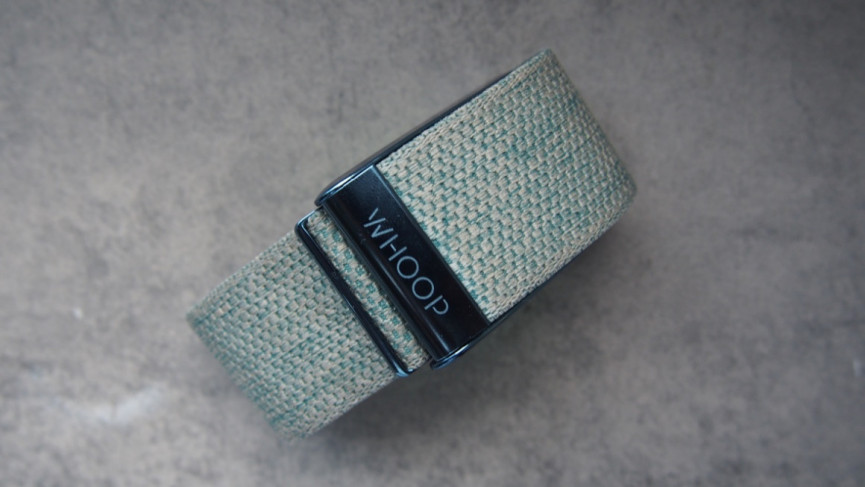
WHOOP 5.0 doesn’t have a screen at all – which makes it fairly unique in the world of wearables.
It does all of its tracking in the background, without a live readout of data, or even showing the time. For many, this will be off-putting, but it does blend in on the wrist without looking “techy”, and you can wear it with a different wearable, smartwatch, or sports watch without looking (too much) like a dork.
It’s defined by the knitted band, and you can pick from a nice range of different colors. There is a small set of lights to indicate pairing and battery status, but that’s your lot in terms of what you can see on the device itself.
Like the Apple Watch, it’s water resistant up to 50 meters depth and the battery charging pack is too, so you can keep it on when you’re showering and swimming.
Unlike Apple, WHOOPcan be worn on different parts of the body. Primarily, it lives on the wrist, but you can move it further up the arm, or to the bicep with an extra band. WHOOP also sells a range of garments so you can wear the sensor inside of shorts and sports kits once you’ve established your 30-day baseline, to get reliable tracking data.
We think both are great-looking, comfortable devices to wear, so it boils down to whether you can live with or without that screen.
Also read: Garmin vs. WHOOP—which is best?
Smartwatch features
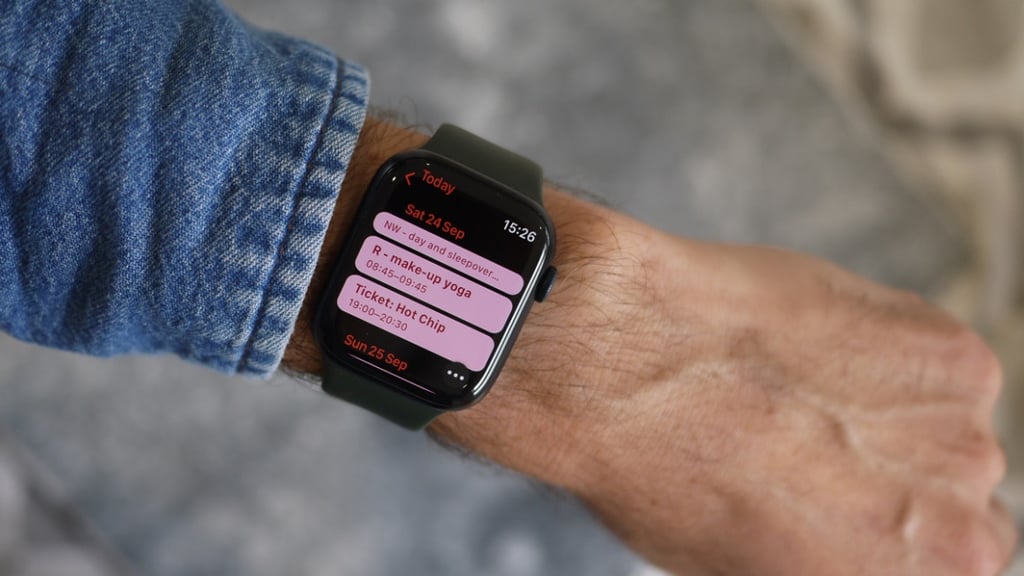
If you want a smartwatch or smartwatch features, there’s only one you can go for here. That’s the Apple Watch. Yes, you need to have an iPhone to use it, but if you do, you’ll get the best smartwatch experience available.
You’ve got notifications, music controls and a music player, Apple Pay, LTE connectivity, and a watchOS platform that continues to add new features to improve that experience.
And remember – with the App Store at your fingertips, you can replace much of WHOOP’s functionality using third party apps.
WHOOP 5.0 does work with both iOS and Android devices but has zero smartwatch features.
The only real extra feature on top of tracking is the addition of an alarm, which can be set with the Sleep Planner feature and vibrates to wake you. It can be set to a specific time, or when you hit your sleep goal, which is a nice touch.
Workout and fitness tracking
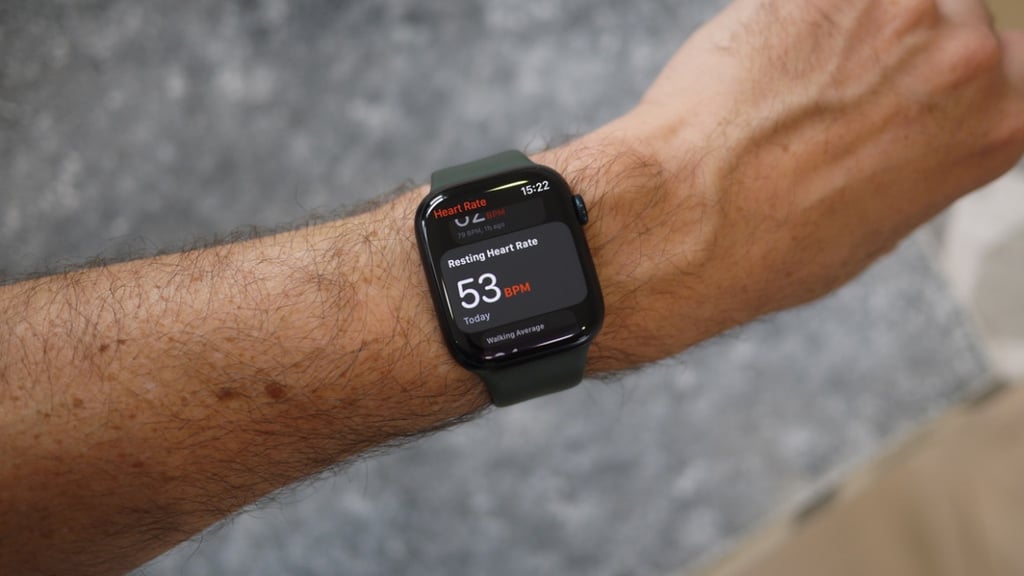
In smartwatch terms, the Apple Watch offers some of the best fitness and sports tracking features you can get. Whether it’s counting steps,tracking runs and swims, and even dishing out reliable heart rate data with support for external sensors—it does a lot.
You’ve also got great integration with Apple’s Fitness+ platform and an App Store with a wealth of apps that can elevate what this smartwatch is capable of as a sports and fitness tracker.
WHOOP 5.0 has been synonymous with elite sport—but that doesn’t mean it’s a great tracker of workouts.
Whoop is designed to track your sleep, and workout intensity, and then guide you to recovery. It’s not a tool that’s designed to show the performance of a workout, or how fit you are.
While there’s no built-in GPS, you can use connected GPS via your phone to track runs and cycles. There’s automatic workout detection, and you can fine-tune and manually add sessions.
Updates to WHOOP 5.0 have added Strava integration and Apple Health compatibility. It also included VO2 Max estimation using heart rate data, exercise patterns, and physical inputs.
Heart rate and heart rate variability measurements are at the core of how WHOOP works. It’s this data that drives WHOOP’s Strain metric to better understand what you have in the locker to take on a tough day of training and to influence your sleep and recovery recommendations.
We found heart rate accuracy reliable enough for exercise, but moving the sensor away from the wrist for certain workouts will get you more accurate data.
If you want a device that can track workouts reliably, we’d say the Apple Watch gets our vote. WHOOP’s workout features still feel like they need to become more comprehensive to match what Apple offers.
Health tracking compared
If you want a wearable that looks beyond step tracking, both the Apple Watch and WHOOP 5.0 offer features that help them to act as health monitoring devices too.
The Series 9–11/Ultra has an FDA-cleared ECG sensor to help detect signs of atrial fibrillation—and it adds a temperature sensor for menstrual health and cycle tracking.
The onboard optical heart rate monitor can deliver high and lower heart rate alerts and irregular heart rate rhythm notifications.
While not considered a health tracking feature, Apple also lets you track your respiration rate during sleep and offers blood oxygen monitoring to offer an insight into your general wellness.
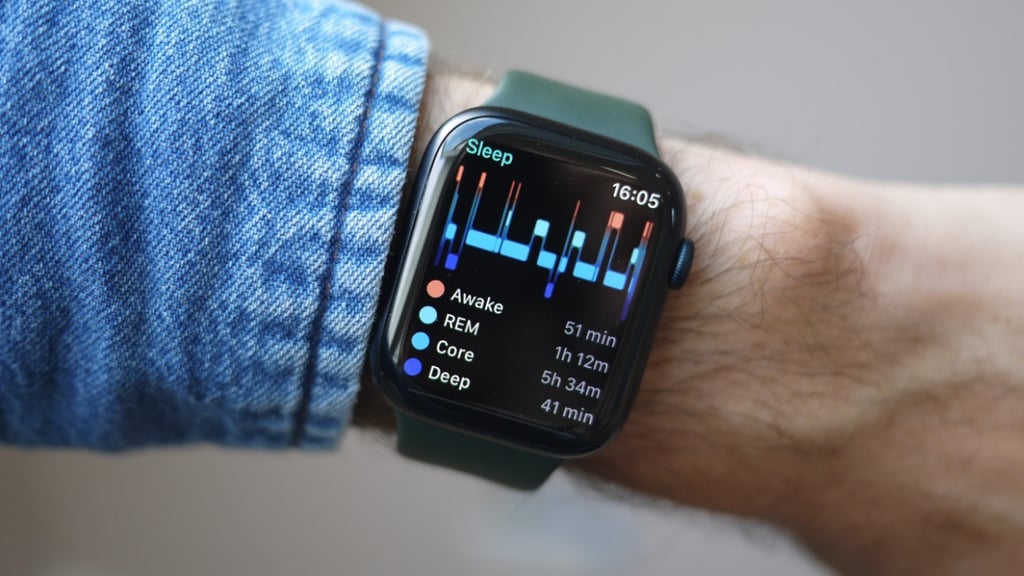
Sleep tracking has been historically basic on Apple Watch, but it now features the tracking of sleep stages (added on watchOS 9) along with duration and consistency, which is generally accurate.
You can pair it up with dedicated consumer health devices and again, you have Apple’s App Store to make use of those sensors to offer more health insights.
But here’s the problem: the Apple Watch is a powerful health-tracking watch, although you will have to dive into Apple Health and manually track many of its deepest insights to make sense of them. It’s not well-presented, and most users will miss its full potential.
WHOOP 5.0 health features
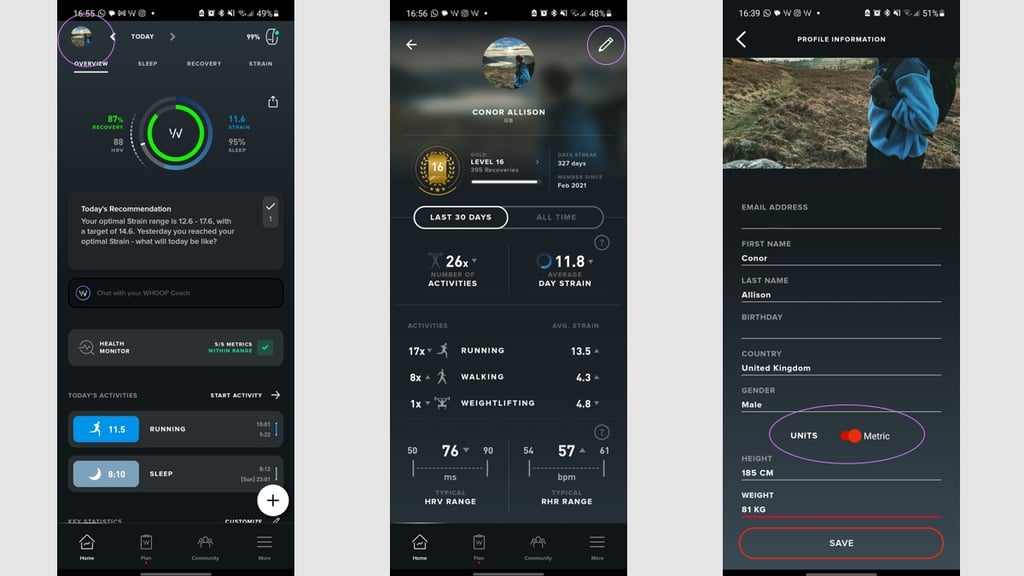
WHOOP 5.0 is more laser-focused on your health, sleep, and metrics than Apple Watch—and puts them front and center.
The main WHOOP metrics are Sleep, Strain, and Recovery. It measures how much toll the day has taken on your body, and adjusts your sleep needs accordingly.
It tracks the amount of sleep versus your sleep need, and spits out a recovery score—which is primarily based on heart rate variability—on how rested and ready you are for your next day. That’s the core of the WHOOP experience.
WHOOP 5.0 tracks heart rate, blood oxygen, and skin temperature—and all of this is measured against your established personal baselines. If anything goes out of whack, the Health Monitor will light up and warn you, and it’s an excellent overview of your health trends, and very sensitive to change.
We did find those metrics and Health Monitor useful. When we were struck down with Covid-19, WHOOP was sensitive enough to show signs consistent with physiological strain and road to recovery. And it’s been interesting to see which coughs, colds, and bugs knock the scores enough to get amber or red warnings. If they do—it’s a really good idea to take a duvet day.
Sleep is key to WHOOP’s platform and we’ve found the level of data and accuracy up there with some of the best sleep trackers from the likes of Fitbit, Oura, and Polar.
It also has a Sleep Planner, which aims to help you feel more rested, although this largely boils down to suggesting early bedtimes—sometimes impossible around the strains of normal life.
WHOOP will also break down your night’s sleep to show wake events, time in bed, efficiency, respiratory rate, and latency (time to get to sleep).
And the Weekly Plan feature enables you to set targets for sleep, and also tick off and promote healthy sleep habits, such as not using a device in bed, or having a hot shower.
This is all tracked via the WHOOP Journal – which is a really interesting piece of manual logging. It’s a 10-second questionnaire on your day (alcohol consumed, coffee drunk, whether you shared your bed). These data points are tracked long-term, and trends between good/poor sleep/recovery are highlighted.
Essentially, WHOOP is a good supporting tool for accountability and behavior change.
Battery life compared
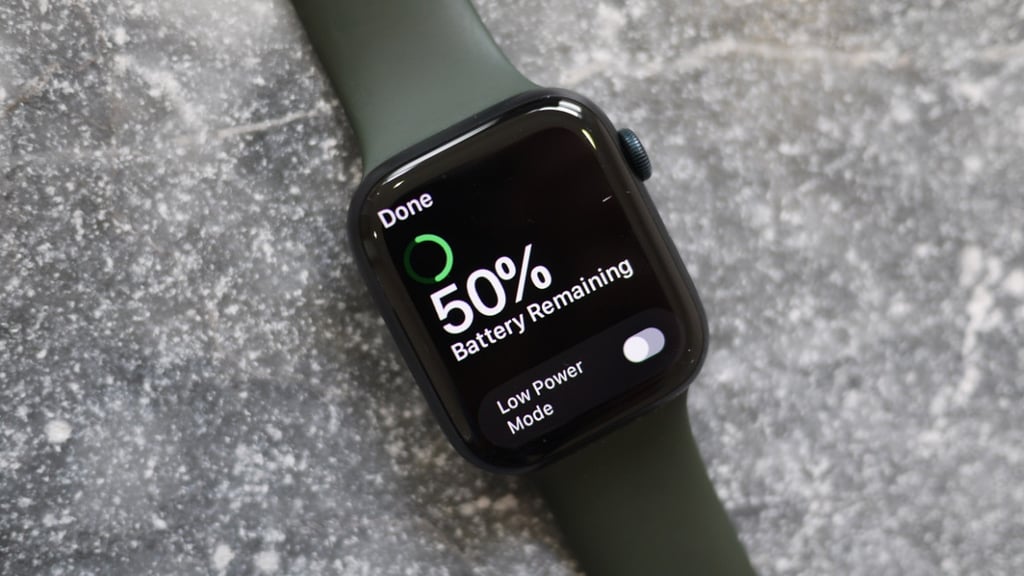
If you care about battery life, then WHOOP 5.0 should be your choice. That’s probably not a huge surprise when you factor in that it doesn’t have a display to power.
It will deliver up to 14 days from our testing. It has a portable battery charging module that you can clip onto the top of the tracker, so you can still wear the device while charging.
Apple Watch Series 9–11 promises around 18 to 24 hours of battery life. Yet, Apple Watch Ultra 3 can last for up to 2 days depending on usage.
Apple also provides fast charging support that can power up the Watch in a speedier fashion. Ultimately though, it’s a smartwatch you’re going to need to charge on a more regular basis than WHOOP .
Which is right for you?
These two wearables couldn’t be more different—so which is right for you? Here’s how to make the decision:
Buy an Apple Watch if you want a great smartwatch and all the bells and whistles, own an iPhone, and want a workout, fitness, and health tracking experience. Remember, if you download the right apps, you can get most of WHOOP’s insights on Apple Watch via third parties. Buy WHOOP 5.0 if you’re looking for a singular experience to encourage you to perform better as a human—be it at work or in the gym. WHOOP is more than its data, it makes insights actionable, more so than any other wearable.