Looking for the latest FlexBeam discount code? You can now save on this wearable red light therapy device with Wareable’s exclusive offer. Use coupon code WAREABLE to get an additional 5% off your FlexBeam order.

A bit more about FlexBeam
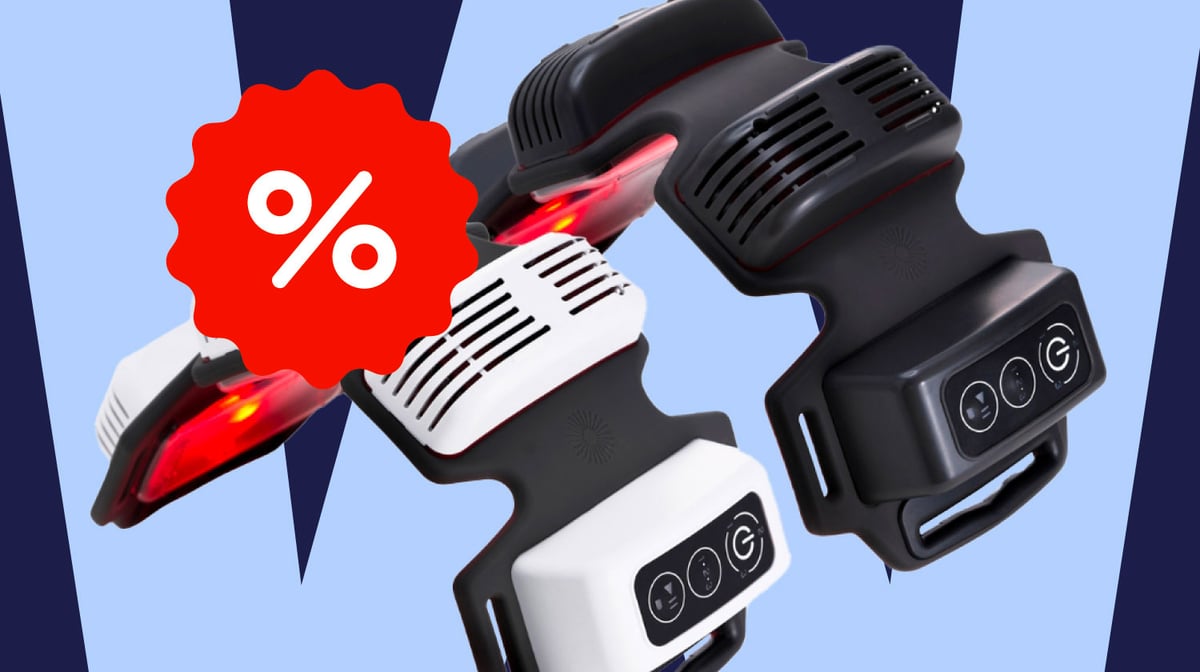
FlexBeam is a wearable red and near-infrared light therapy device designed for targeted use on areas like your shoulders, knees, back, or hips. It’s mainly for people looking to support their recovery from sore muscles or everyday aches.
Instead of standing in front of a big panel, you simply strap FlexBeam onto the area where you feel pain or tension and start a short session. Its flexible three-pod design lets it fit closely to your body, and each session takes about 10 minutes.
How to redeem FlexBeam discount
- Copy or memorize the WAREABLE discount code from the offers listed at the top of this guide
- Click the Redeem button next to the deal to visit the official FlexBeam website
- You should see the 25% discount applied automatically through the offer page
- Add FlexBeam to your cart
- Proceed to checkout
- Enter your shipping and payment information
-
Apply code WAREABLE in the discount field to get an additional 5% off
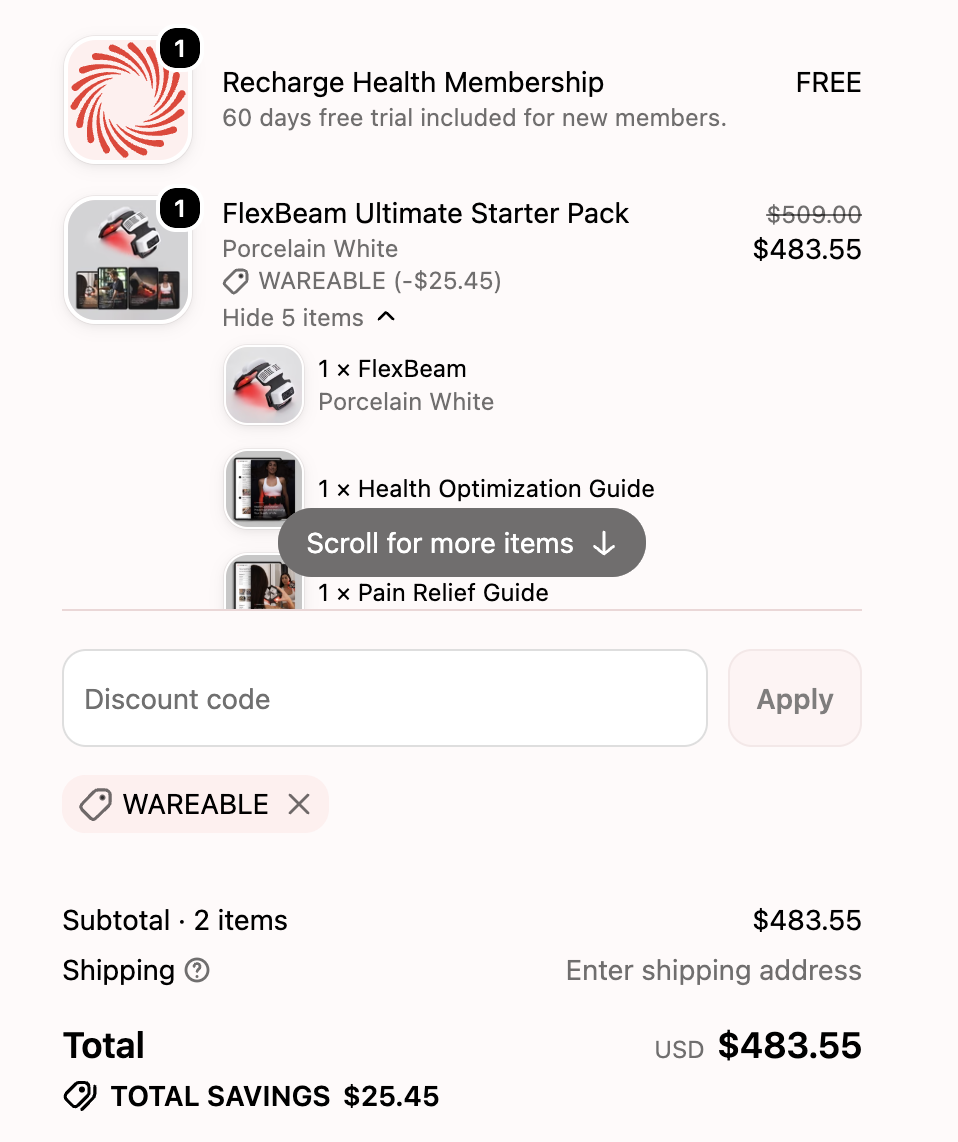
- Review the final price and complete your order.
Why you should be interested in this deal
FlexBeam deals don’t come around every day, so this is a good moment to look if the device has been on your list.
The website already gives you 25% off, and the best part is that with Wareable’s coupon code, you get an additional 5% off at checkout. That extra discount helps, since FlexBeam is still a premium device.
So, if you’ve wanted to try red light therapy or want to support joint pain management, this is a great time to do that.
Coupon code isn’t working: here is what to do
If your FlexBeam coupon code isn’t working at checkout, don’t worry. Usually, you can fix it by checking a few simple things before giving up on the discount.
- See if the code has expired. Promo codes are often only available for a limited time.
- Make sure you enter the code correctly. Type WAREABLE just as it appears, with no extra spaces.
- Check the offer page discount first. A 25% discount should already be applied through the deal link. The WAREABLE code gives you the extra 5% off.
- Try refreshing the page or using a different browser. Sometimes a cached checkout page can stop a code from working properly.
- If it still doesn’t work, contact FlexBeam support. They can check if the code is active for your order.
FAQ’s
You’ll need to follow FlexBeam’s latest offers to see whether a separate Black Friday deal appears. At the moment, FlexBeam already has a 25% discount available, and Wareable readers can use code WAREABLE for an extra 5% off at checkout.
Click Redeem to visit the FlexBeam offer page, where the 25% discount should already be applied. Then enter code WAREABLE at checkout to get the additional 5% off.
FlexBeam is designed for targeted red and near-infrared light therapy. You can strap it onto areas such as the shoulders, knees, back, or hips for short 10-minute sessions.
Yes. FlexBeam is listed as an FDA-cleared device by the manufacturer.